> For the complete documentation index, see [llms.txt](https://modern-stoic-ai.gitbook.io/hypertrade-ai/llms.txt). Markdown versions of documentation pages are available by appending `.md` to page URLs; this page is available as [Markdown](https://modern-stoic-ai.gitbook.io/hypertrade-ai/getting-started/platform-features/live-deployment.md).
# Live Deployment
Beta Version
**To deploy & automate the strategies live for trading, You will need to**\
\
1\. Select a strategy you created to deploy live\
2\. API keys generated by HyperLiquid or by adding your wallet private keys( which are never saved on our DB)\
\
Headover to "My Strategies", choose a strategy & Click "Deploy" & follow the prompts to add your HyperLiquid API Keys / Private wallet keys.
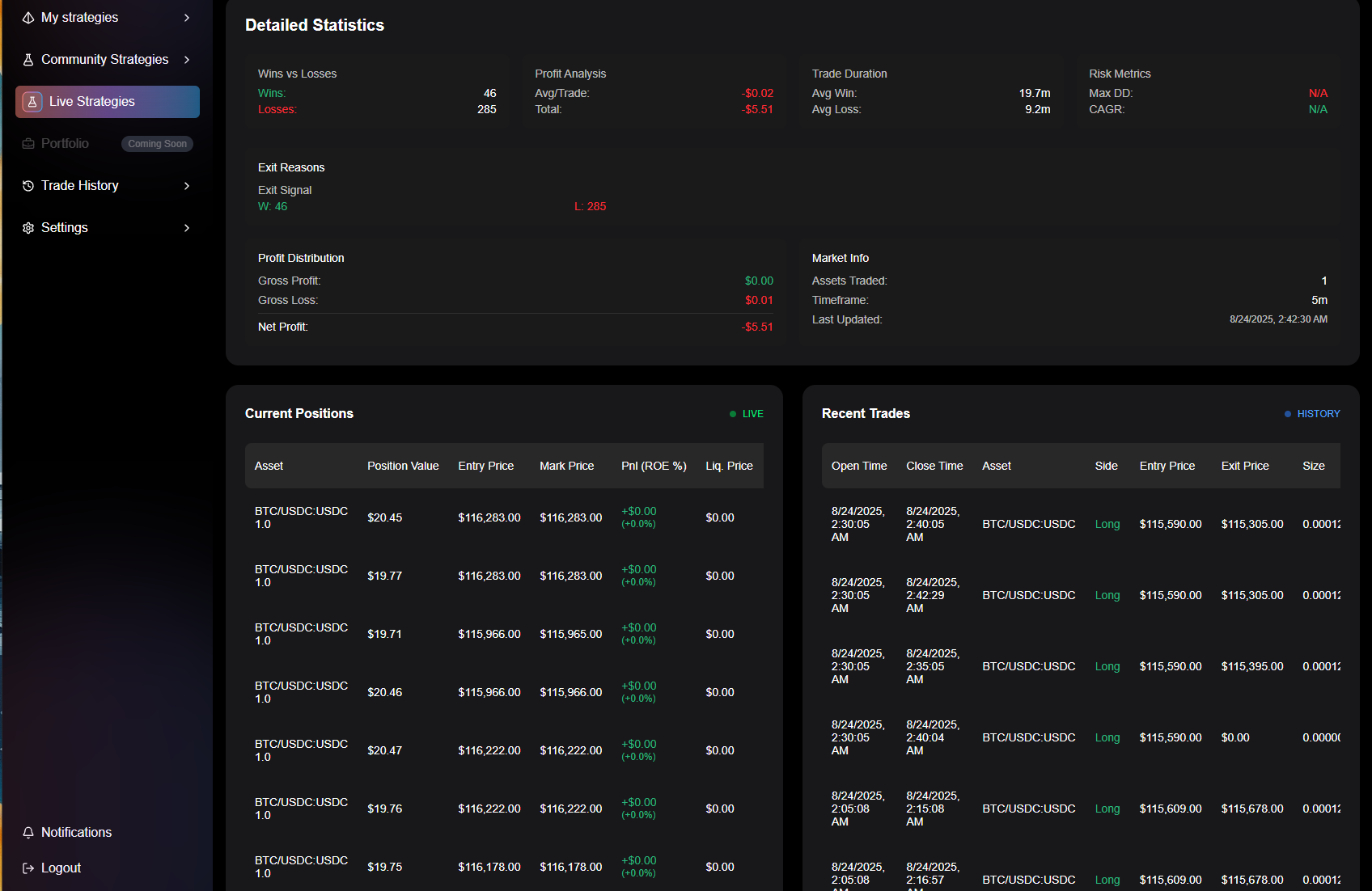
Live Deployed strategies would show up under "Live Strategies"
Heres a random strategy running live, You will see detailed stats & execution happening live on HL!
**You can easily see the trades taking place live on HyperLiquid!**